How FastGrade AI Works: Revolutionizing Student Assessment with Artificial Intelligence

In today's fast-paced educational environment, teachers and educators are constantly seeking ways to streamline their workload while maintaining the quality of student feedback. FastGrade AI offers an innovative solution that transforms the traditional grading process into an efficient, accurate, and time-saving experience. Let's dive into how this powerful tool works and how you can leverage it to get the most accurate results for your student assessments.
Understanding the FastGrade AI Workflow
FastGrade AI simplifies the grading process into two straightforward steps, making it accessible for educators of all technical skill levels. Here's a detailed breakdown of the workflow:
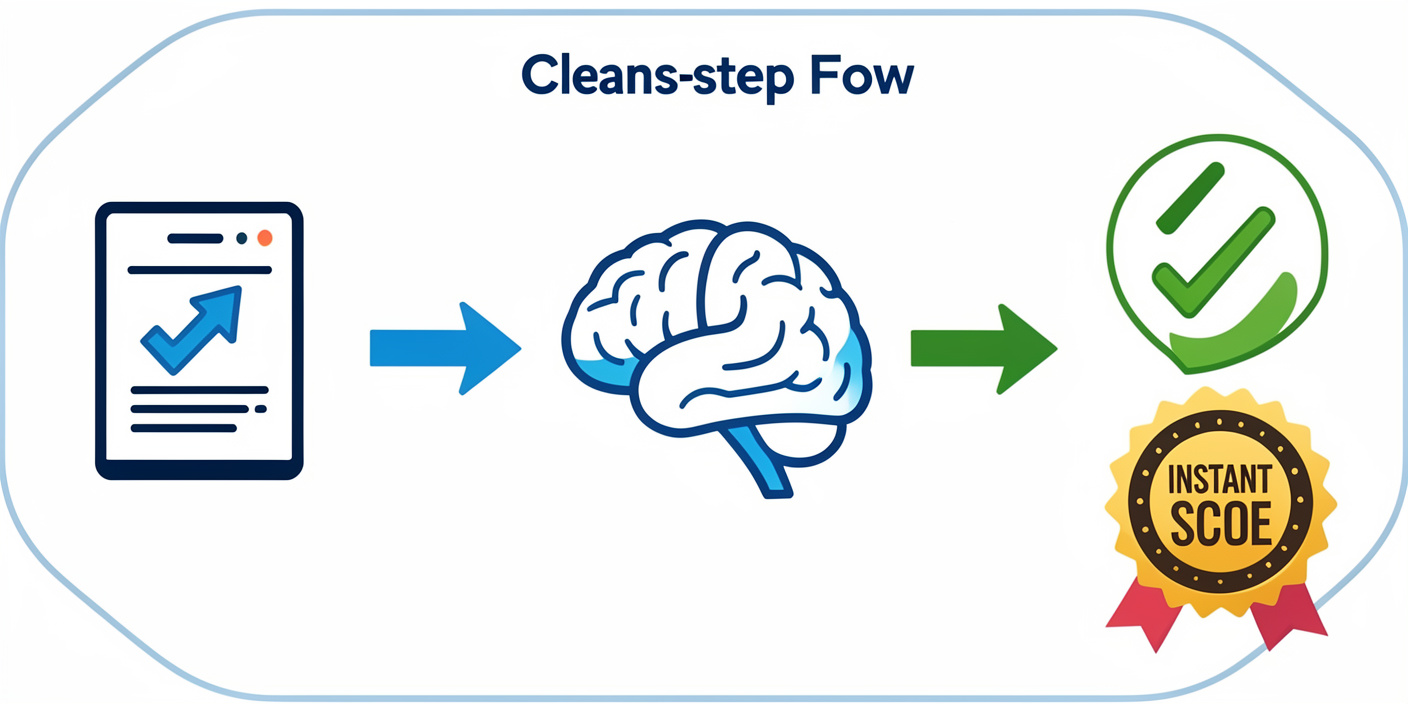
Step 1: Upload Your Question Paper and Answer Key
The foundation of accurate AI-powered grading begins with providing the system with reference materials. In this crucial first step, you'll upload two essential components:
- Your Question Paper: The original assessment questions that students are answering
- The Answer Key: Your reference solution that serves as the grading benchmark
Flexible Input Formats
FastGrade AI understands that educators work with various document types and situations. That's why the platform supports multiple input formats:
- PDF files - Perfect for digitally created assessments
- Digital images - Scanned documents in common image formats
- Direct camera capture - Take photos of physical papers on the spot using your device's camera

This flexibility means you can work with both modern digital assessments and traditional paper-based tests without any conversion hassles.
Support for All Answer Types
Whether your students write their answers by hand or type them digitally, FastGrade AI has you covered. The system is designed to process both:
- Handwritten answers - Using advanced optical character recognition (OCR) technology
- Typed answers - For digital or printed submissions
Step 2: Add Student Answer Sheets
Once your reference materials are in place, the next step is uploading your students' work. The system is designed to handle real-world classroom scenarios:
- Individual student submissions - Upload answer sheets one by one or in batches
- Multiple sheets per student - If a student's answers span several pages, you can upload all of them together, and the system will process them as a complete submission
Pro Tips for Maximum Accuracy
To ensure FastGrade AI delivers the most accurate evaluation results, follow these best practices when uploading student answer sheets:
Image Quality Matters
- Use high-resolution images or scans
- Ensure the entire answer sheet is visible within the frame
- Avoid shadows or glare that can obscure text
Proper Orientation
- Make sure documents are right-side up
- Align pages straight rather than at angles
- Keep the paper flat to avoid distortion

Lighting is Key for Handwritten Work
- Use bright, even lighting when photographing handwritten submissions
- Natural daylight or good overhead lighting works best
- Avoid harsh shadows that can make handwriting difficult to read
Readability is Essential
- Ensure handwriting is legible in the captured image
- If using a scanner, adjust settings for optimal text clarity
- For photos, hold the camera steady and at an appropriate distance
The Intelligence Behind the System
What makes FastGrade AI truly remarkable is its ability to understand context, evaluate partial answers, and provide consistent grading across all submissions. By comparing student responses against your provided answer key, the AI can:
- Identify correct answers and award appropriate marks
- Recognize partially correct responses and assign partial credit
- Detect common mistakes and patterns
- Maintain consistency in evaluation criteria across all students
"FastGrade AI doesn't just check for matching answers – it understands the reasoning behind student responses, providing fair and accurate evaluation every time."
Benefits of the FastGrade AI Approach
This streamlined workflow offers numerous advantages for educators:
⏰ Time Savings
What once took hours can now be accomplished in minutes, freeing up valuable time for lesson planning and student interaction.
🎯 Consistency
AI-powered grading eliminates the variability that can occur with manual grading, especially when evaluating large numbers of papers.
⚡ Immediate Feedback
Faster grading means students receive feedback more quickly, enhancing the learning process.
🚀 Scalability
Whether you have 10 students or 100, the system handles increased volume without compromising accuracy or speed.
Getting Started
FastGrade AI's intuitive workflow makes it easy to integrate into your existing assessment process. There's no steep learning curve – simply prepare your question papers and answer keys as you normally would, then let the AI handle the heavy lifting.
The platform's flexibility in accepting various input formats means you don't need to change your teaching methods or assessment styles. Continue creating the tests that work best for your curriculum, and FastGrade AI will adapt to your needs.
Conclusion
FastGrade AI represents the future of educational assessment – combining the precision of artificial intelligence with the practical needs of modern educators. By following the simple two-step workflow and implementing the best practices for image quality, you can unlock unprecedented efficiency in your grading process while maintaining the high standards your students deserve.
Ready to transform your grading experience? With FastGrade AI, accurate, efficient, and consistent student assessment is just two steps away.
Embrace the power of AI-assisted grading and reclaim your time for what matters most – teaching and inspiring the next generation of learners.